By
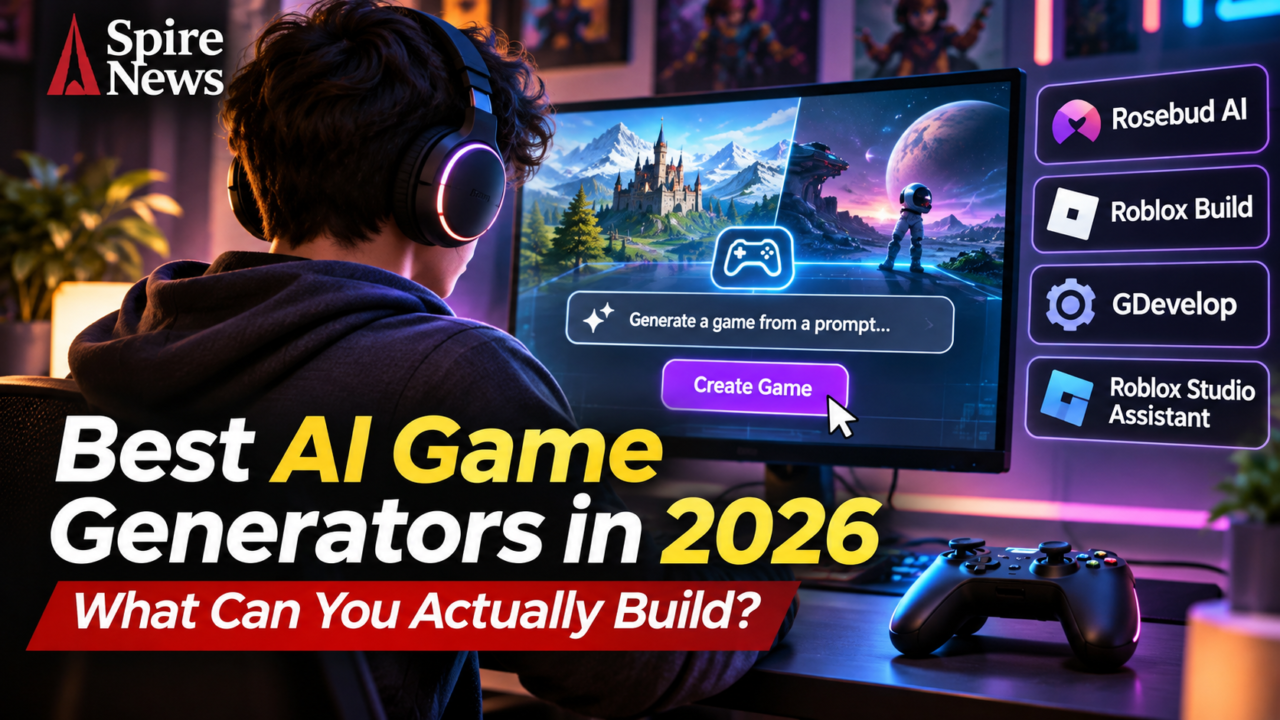
AI game generators have moved beyond novelty demos. In 2026, some tools can turn a written idea into a playable browser game, while others help creators build mechanics inside a full game engine. The difference matters: a fast prototype is not the same thing as a finished game that can be exported, maintained and sold.
For beginners, the strongest options include Rosebud AI, Roblox Build and GDevelop. They solve different problems, however. One is built around prompt-to-playable creation, one keeps creators inside the Roblox ecosystem, and one offers a more traditional no-code engine with AI assistance. Here is what each can realistically do, and which one makes sense for your project.
The best AI game generators to consider in 2026
There is no single winner for every creator. The most useful choice depends on whether you want a quick browser prototype, a game published on a large platform, or a project you can develop across multiple storefronts.
| Tool | Best use | What it actually offers | Main limitation |
|---|---|---|---|
| Rosebud AI | Prompt-to-playable browser games | Generates code, art and music; supports iterative edits and browser publishing | Check export and plan limits before choosing it for a commercial release |
| Roblox Build | Simple games for the Roblox ecosystem | Creates playable 2D and 2.5D experiences from natural-language prompts | Limited game types and a gradual regional rollout |
| GDevelop | No-code development with AI help | Visual event system, AI-assisted mechanics and exports for web, mobile and desktop | More hands-on development than a one-prompt generator |
| Roblox Studio Assistant | Creators already working in Roblox Studio | Helps write scripts, generate assets and test or modify projects | It is an assistant inside an engine, not a one-click finished-game service |
1. Rosebud AI: best for turning a prompt into a playable prototype
Rosebud AI is the most direct fit for people who want to describe a game and start playing a generated version. Its workflow begins with a short description. The platform can then generate code, art and music, let the creator request changes, and publish a browser-playable link.
That makes it useful for testing ideas such as a small platform game, a puzzle, a visual novel or a simple role-playing experience. The important advantage is iteration: the first result is a starting point, not a reason to stop testing. Rosebud says creators can also edit the generated code, while its paid Pro plans offer a Windows build export for Steam.
Before committing to it, check the current plan, credit allowance, export options and rights that apply to your intended use. A game that can be shared through a browser is not automatically ready for a commercial store release.
2. Roblox Build: the simplest route into Roblox game creation
Roblox Build brings prompt-led creation directly into the Roblox app. A creator describes a game in everyday language, then refines the generated result through follow-up instructions. Roblox currently documents support for 2D and 2.5D formats, including clickers, arcade games, collect-and-score experiences, side-scrollers and puzzles.
The attraction is distribution. A creator is working within Roblox rather than starting with a standalone prototype and then finding a separate audience. Roblox says Build games can be published to its platform after a safety check. Its documentation also describes a daily free prompt allowance, with additional prompts available through Robux.
There are meaningful restrictions. Roblox says Build is rolling out gradually and availability depends on region and account eligibility. Its current documentation also says the tool is focused on simpler 2D and 2.5D games, with more formats planned. It is not a shortcut to building a large open-world 3D game.
3. GDevelop: best for creators who want more control
GDevelop takes a different approach. It is an open-source, no-code game engine with a visual event system, ready-made behaviours and an AI helper that can answer development questions or build features inside a project.
That makes it less of a one-prompt game generator and more of a development environment with AI support. Creators can build scenes and mechanics using visual tools, then use JavaScript when they need more flexibility. GDevelop lists export options for web, Android, iOS and desktop, including distribution through platforms such as Steam and online game portals.
Choose GDevelop if you want to understand and control the project rather than accept whatever a generator produces. It asks for more work than a prompt-to-playable service, but the workflow is better suited to people who want to keep developing the same game over time.
4. Roblox Studio Assistant: AI help for a more serious Roblox project
Roblox Studio’s AI tools are aimed at creators who want to work inside the established development environment. Roblox documents features for writing and running Luau scripts, generating meshes and materials, modifying objects and playtesting. Its Studio MCP server can also let compatible external tools inspect and edit a project.
This is a different category from a prompt-to-game website. The creator still owns the design decisions and needs to understand how the project is structured. The benefit is that AI can help with specific development tasks without forcing the whole project into a simplified generator.
Which AI game maker should you choose?
Use the decision guide below as a starting point. It separates the fastest route to a playable result from the tools that offer more control over a project.
- You want a game to play quickly in a browser: start with Rosebud AI.
- You want to make a simple game for Roblox: try Roblox Build, if it is available in your region.
- You want to build and export a project across platforms: look at GDevelop.
- You already develop Roblox experiences: use Roblox Studio Assistant to speed up scripting and asset work.
Can AI make a complete commercial game?
Not reliably from a single prompt. These tools can generate a prototype, create assets, write sections of code and accelerate repetitive work. They do not remove the need to test controls, fix bugs, balance difficulty, optimise performance, check accessibility, moderate user-generated content or verify licensing.
That distinction is becoming more important as game studios adopt AI in production. The industry still depends on teams that can turn a promising prototype into something players return to. Spire News has also reported on the business pressures facing game developers, including the closure of Nagoshi Studio after NetEase withdrew funding. Easier prototyping does not remove the financial and creative challenges of making a sustainable game.
For independent creators, the sensible workflow is to start small. Generate one core mechanic, play it repeatedly, identify what breaks, and improve it before adding more features. Then check the platform’s publishing rules, export restrictions and commercial-use terms. The quality of the finished game will depend far more on that development process than on the first prompt.
Frequently asked questions
What is the best AI game generator in 2026?
Rosebud AI is a strong starting point for prompt-to-playable browser games. Roblox Build suits simple games for the Roblox platform, while GDevelop is better for creators who want a more controllable no-code development workflow.
Can I make a game with AI without coding?
Yes. Rosebud AI and Roblox Build are designed around natural-language prompts. GDevelop also offers a no-code event system, although building and polishing a larger project still takes time and testing.
Can AI-generated games be published on Steam?
It depends on the tool and plan. Rosebud says its Pro plans support Windows build export for Steam. GDevelop supports desktop exports and Steam integration. Always check current plan limits, store requirements and asset licences before release.
Is Roblox Build available everywhere?
No. Roblox says Build is rolling out gradually, and availability depends on region and account eligibility. Check the current Roblox documentation if the Build tab is not visible in your app.
Can AI make a complete 3D game from one prompt?
Current tools can generate prototypes, assets and parts of a 3D workflow, but a polished commercial game still needs substantial design, engineering, testing and optimisation.